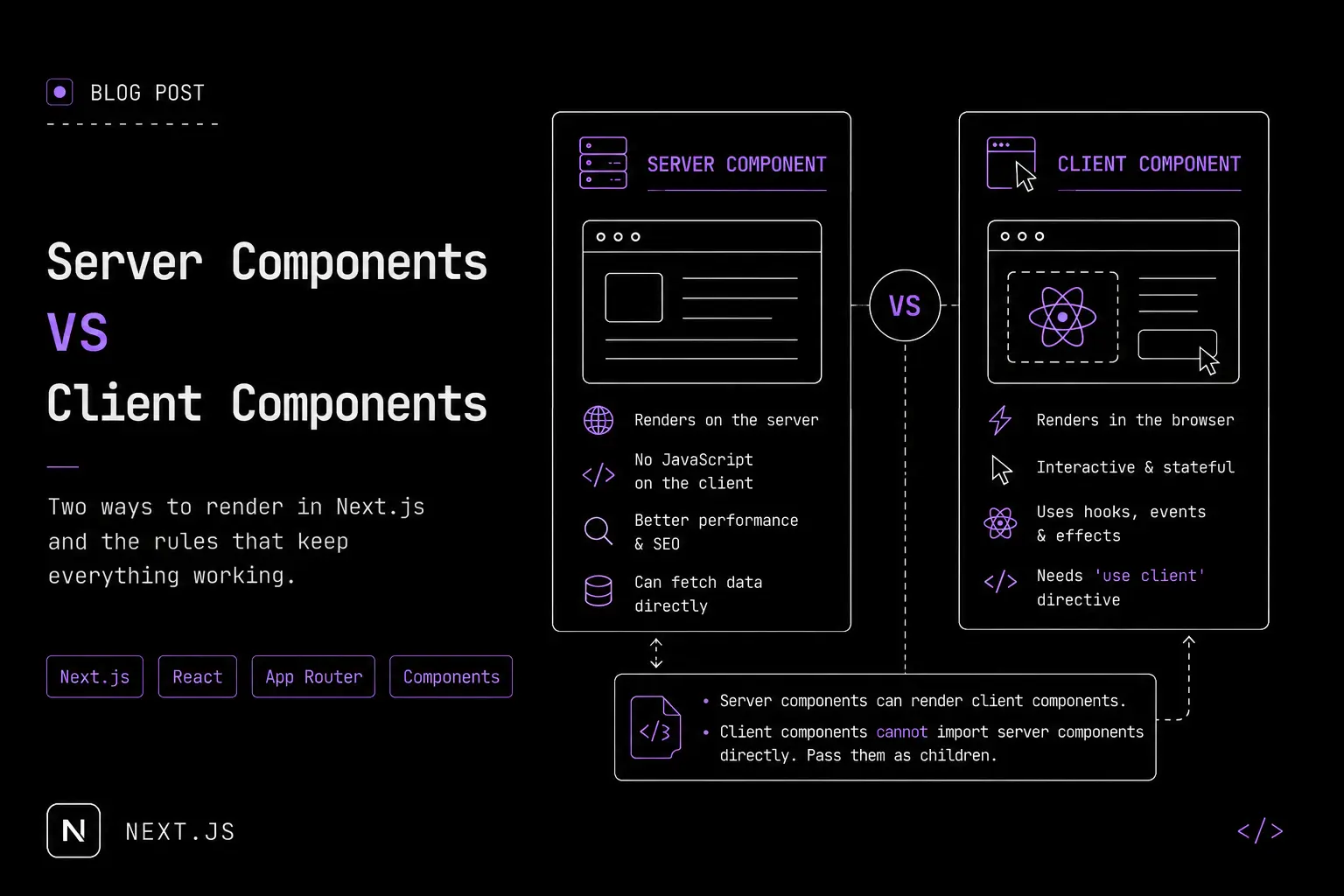
Two different ways to render components in the Next.js App Router — and mixing them up is where most bugs start.
Server Components
Server components render on the server and are sent to the client as plain HTML. No directive needed — every component is a server component by default in the App Router.
They're good for:
- Fetching data directly (no API layer needed)
- Reducing JS shipped to the browser (better performance)
- SEO, since content is already HTML by the time it reaches the client
// app/posts/page.tsx — server component by default
async function PostsPage() {
  const posts = await fetch("https://api.example.com/posts").then(r => r.json());

  return (
    <ul>
      {posts.map((post: { id: string; title: string }) => (
        <li key={post.id}>{post.title}</li>
      ))}
    </ul>
  );
}

export default PostsPage;
In short: if a component just displays data and has zero interactivity — no clicks, no state — it's a server component.
Client Components
Client components render (and re-render) in the browser. They're needed for anything interactive: state, effects, event handlers.
You mark one explicitly with 'use client' at the top of the file —
without it, Next.js treats the file as a server component and throws
an error the moment you try to use useState or onClick.
'use client'

import { useState } from "react";

export default function LikeButton() {
  const [liked, setLiked] = useState(false);

  return (
    <button onClick={() => setLiked(!liked)}>
      {liked ? "Liked" : "Like"}
    </button>
  );
}
In short: if it uses a hook or listens for a browser event, it's a client component.
The composition rule
- Server components can render client components.
- Client components cannot directly import server components —
they can only receive them as
childrenpassed down from a parent server component.
// ✅ Server component rendering a client component — fine
import LikeButton from "./LikeButton";

export default function Post() {
  return (
    <article>
      <h1>My Post</h1>
      <LikeButton />
    </article>
  );
}
This is the rule that trips people up most — reach for the
composition pattern (pass server-rendered content as children)
when a client component needs to wrap server content.